Case study
Restaurant menu management
Context
In a restaurant, managing menus and dishes is an essential daily task. The chef needs to be able to create new dishes, organize them into menus, keep track of what is available and quickly update the menu. Without a suitable tool, this is often done on paper or in impractical Excel files.
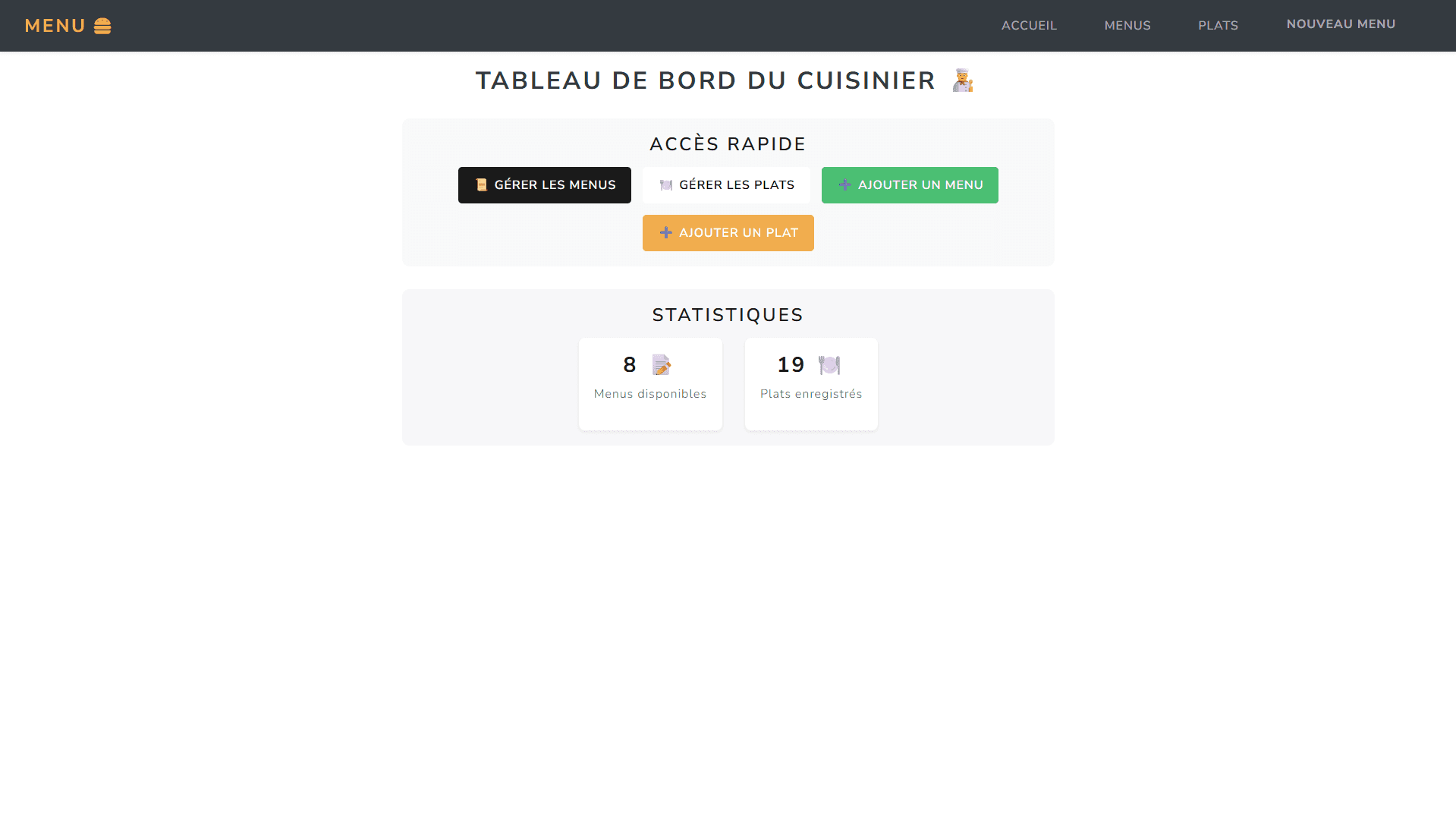
This project is a “Cook's dashboard” web application for managing all of a restaurant's menus and dishes. The interface offers quick access to common actions and displays real-time statistics on what the menu contains.
Problem & goals
Problem
- Paper or Excel menu management, impractical and error-prone
- Hard to get an overview of the number of menus and dishes available
- Repetitive actions when adding or editing dishes
- No central interface for the kitchen staff
Goals
- Create a dashboard with quick access to the main actions (manage menus, manage dishes, add)
- Display real-time statistics (number of available menus, saved dishes)
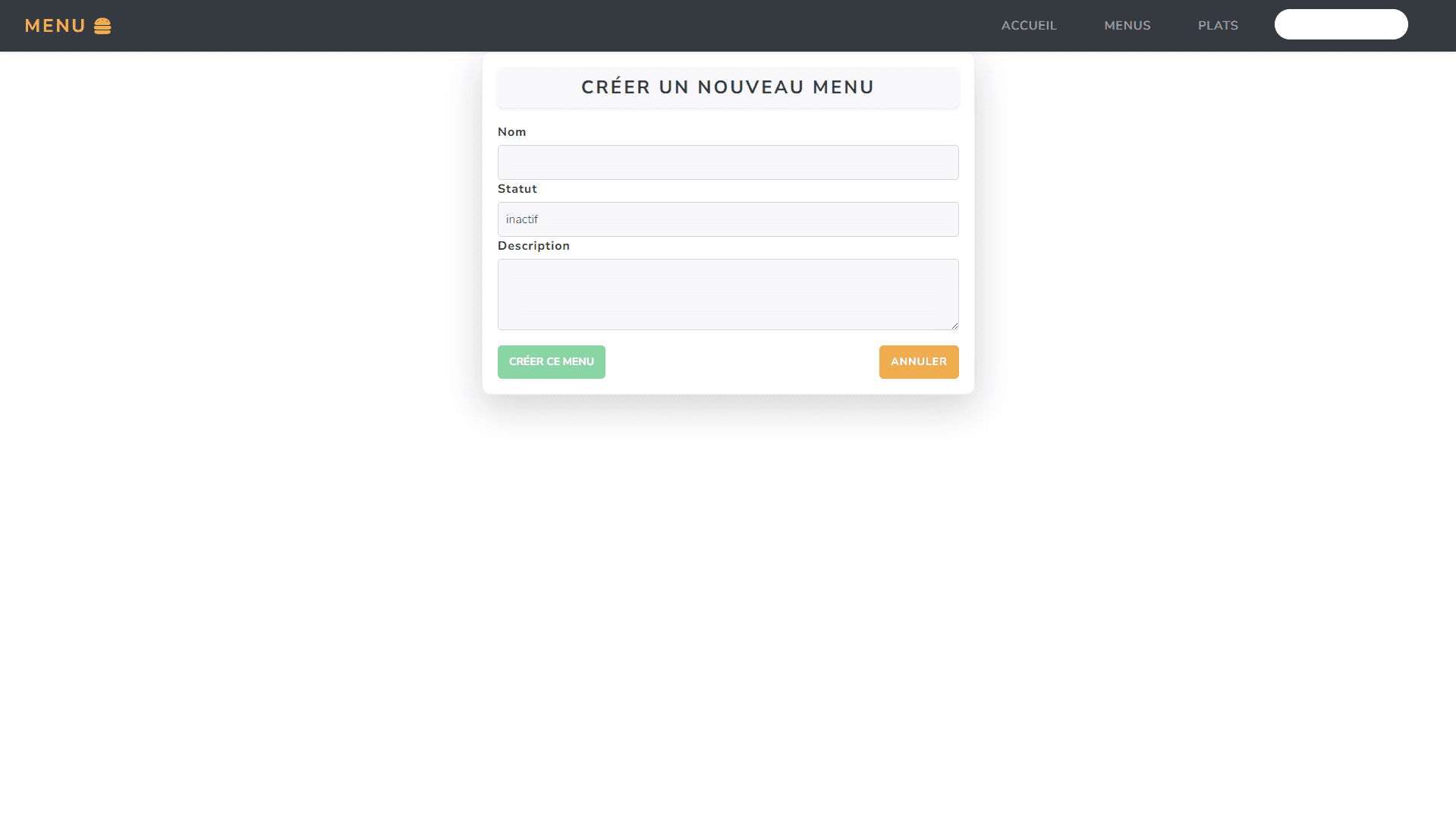
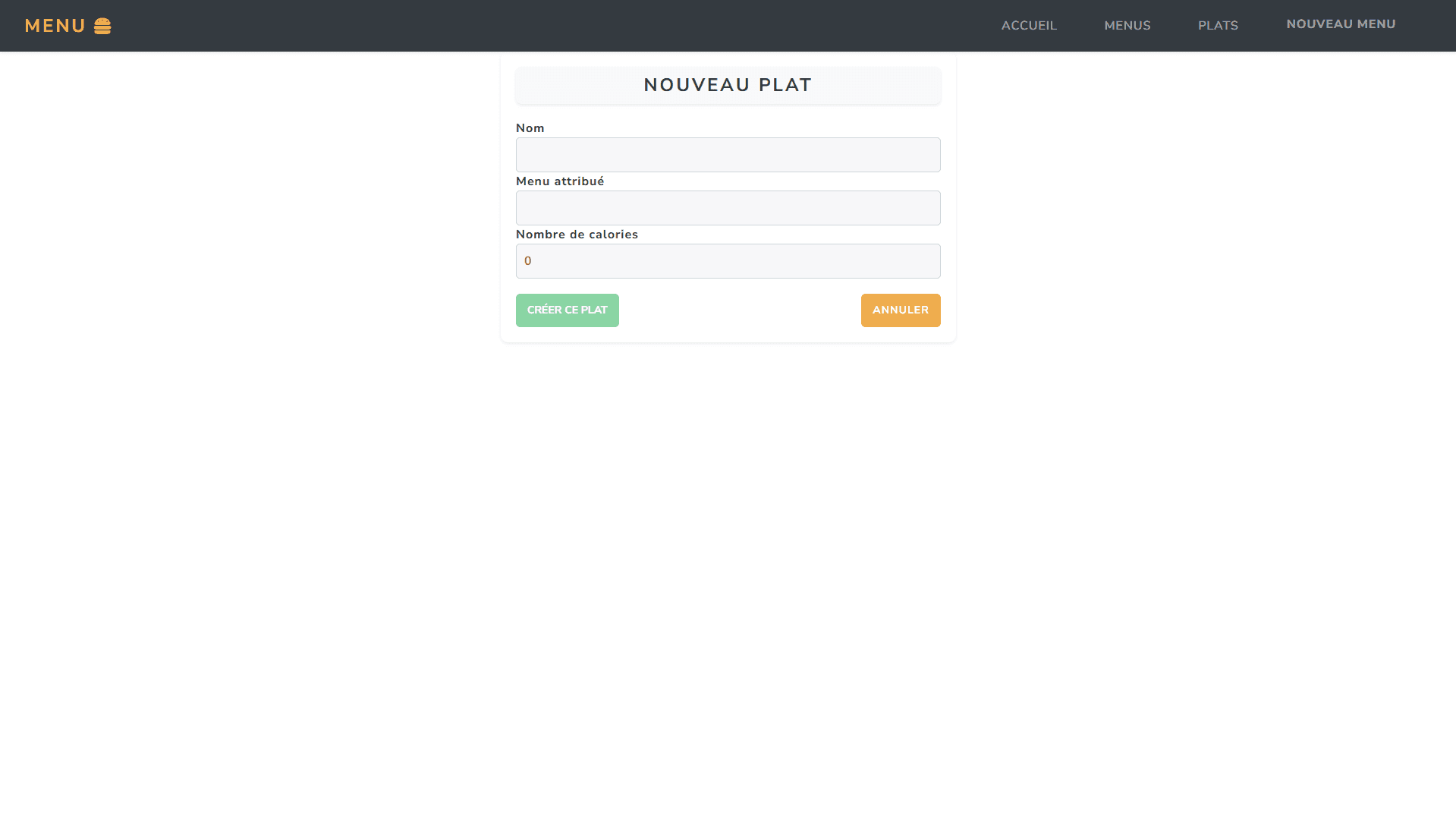
- Allow menus and dishes to be created and edited through intuitive forms
- Provide clear navigation between the sections (Home, Menus, Dishes)
Approach
Development focused on usability and on getting common tasks done quickly:
- design of a central dashboard with quick-access buttons and statistics;
- modular Angular architecture separating components / services / models;
- integration of a REST API for data persistence;
- clean design with Bootstrap and a Bootswatch theme for a professional interface.
The emphasis was on user experience: the cook must be able to get tasks done in as few clicks as possible.
Technical highlights
Frontend: Angular with TypeScript, component-based architecture, dynamic routing and reactive forms.
REST API: Consuming an external API for CRUD operations on menus, dishes and dish types.
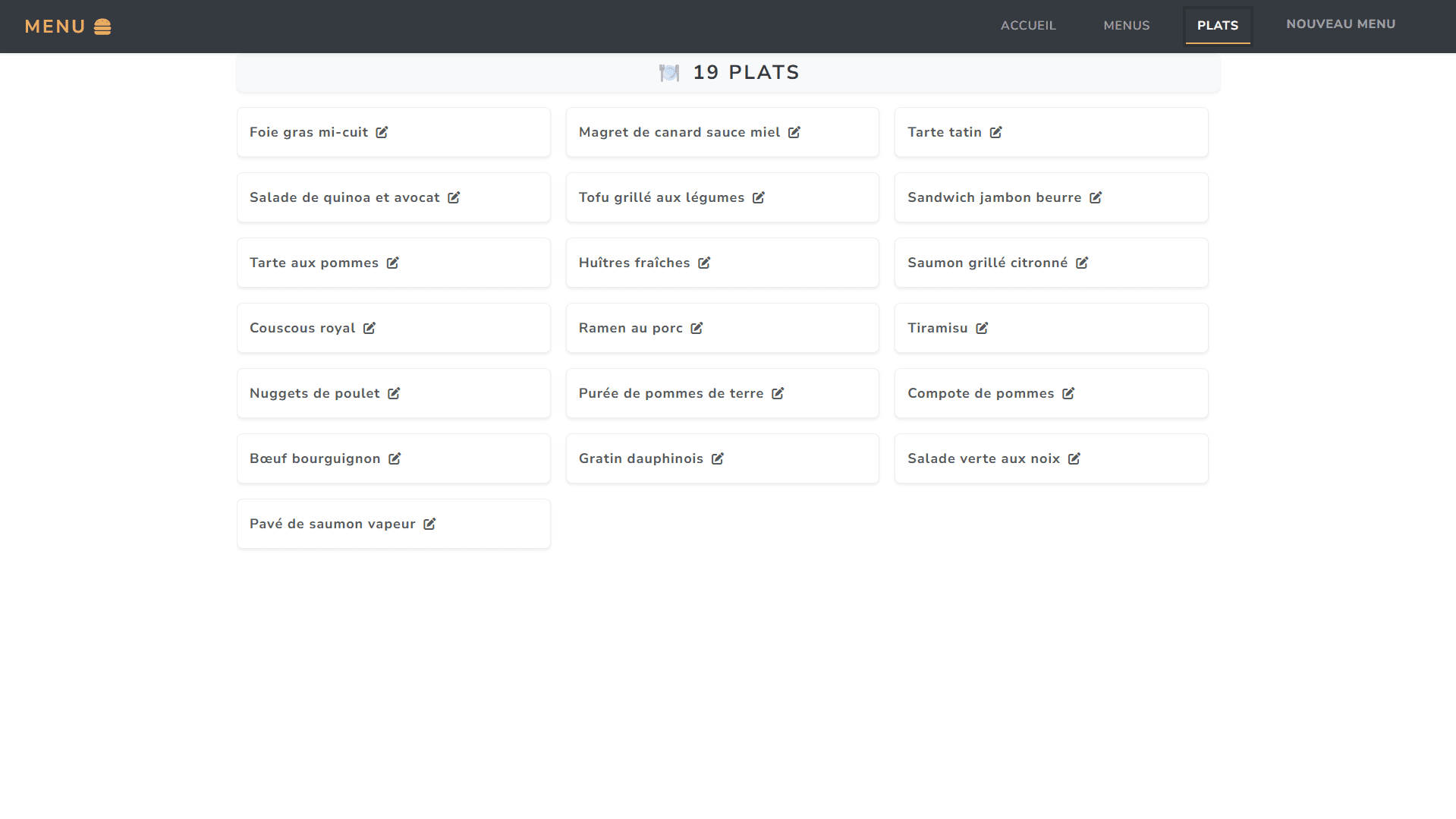
UX/UI: Dashboard with statistics (8 menus, 19 dishes), quick-access buttons, loading spinners and user feedback.
Design: Bootstrap 5 with a Bootswatch theme, icons and emojis for a modern, readable interface.
Results
The delivered application offers:
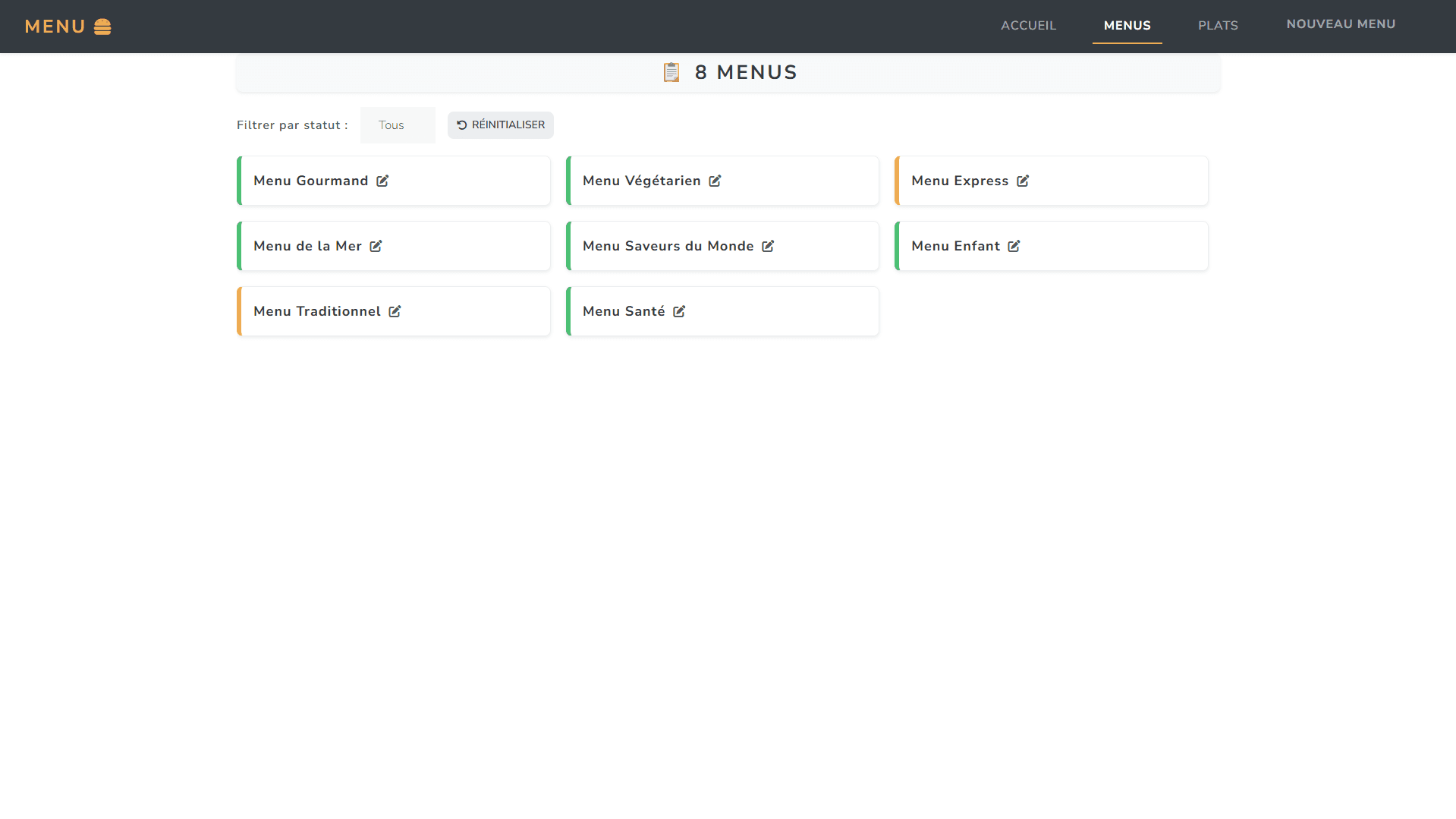
- a dashboard showing 8 available menus and 19 saved dishes in real time;
- quick access to manage menus, manage dishes or create new ones;
- smooth navigation between the Home, Menus, Dishes and New Menu sections;
- a responsive interface suited to kitchen screens (tablets, PCs).
The project meets the initial need: giving kitchen staff a simple, efficient tool to manage their menu day to day.
What I learned
- structuring a complete Angular application with routing and guards;
- consuming a REST API and handling loading / error states;
- designing a business dashboard centered on user needs;
- applying UX principles: quick access, immediate feedback, clear navigation;
- using Bootstrap and Bootswatch to get a professional design quickly.
This project taught me to build a business application by putting myself in the end user's shoes: every feature was designed to make the cook's daily work easier.